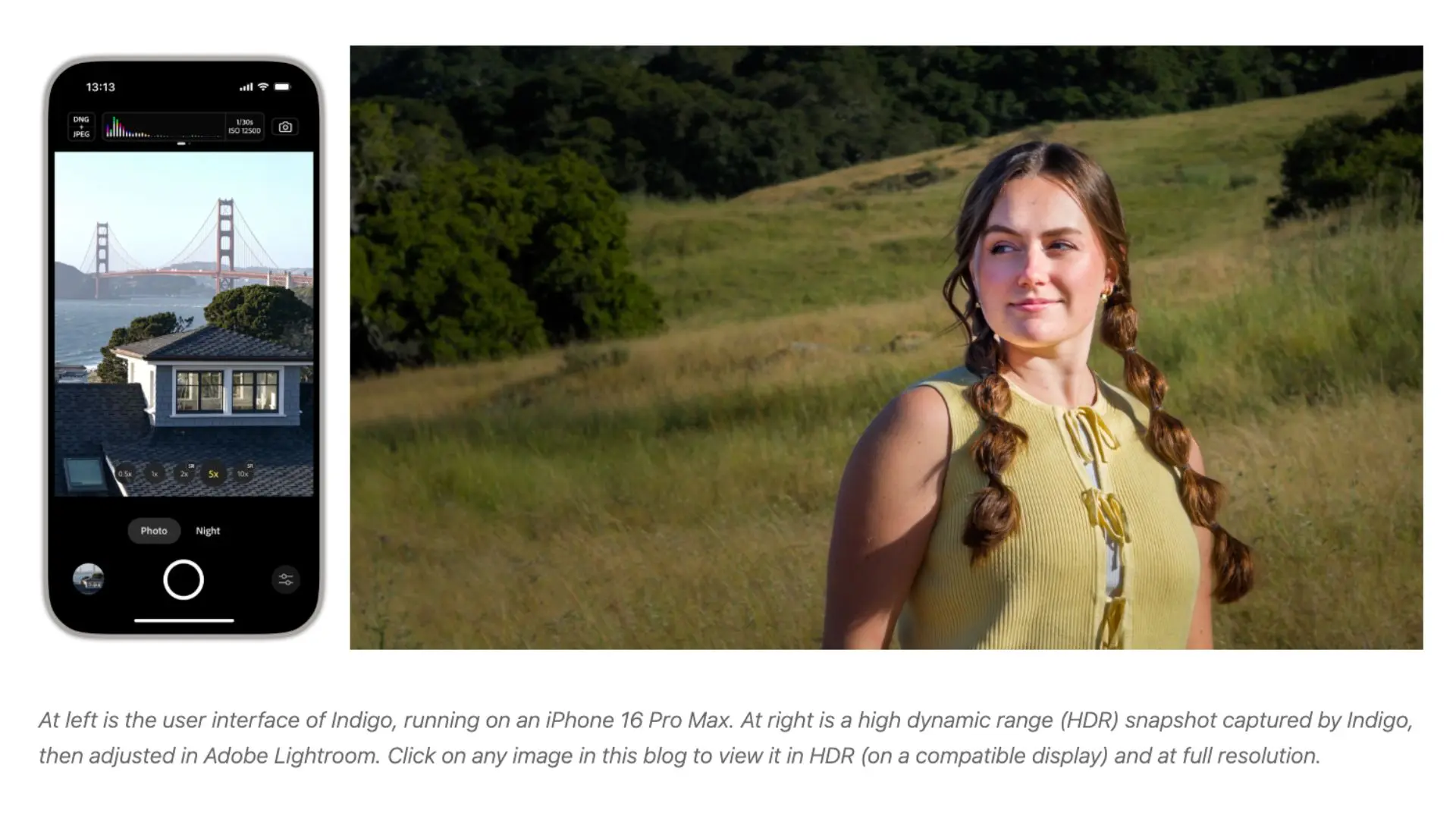
Adobe’s Project Indigo adds several new features, support for iPhone 17e, and limited compatibility for iPads.
Adobe pushed a fresh update to its Project Indigo camera app, bringing support for some more devices and a platter of new features and bug fixes. For starters, it added the recently launched budget-focused iPhone 17e to its list of compatible devices, along with initial support for iPads with at least 6GB of RAM.
The company cautions that the Project Indigo app is “not yet tuned for iPad operation” and recommends using it on an iPhone for the best experience. It’s already compatible with iPhone 12 Pro/Max and later models.
For the uninitiated, Adobe launched Project Indigo as a free camera app for iPhone last year with a “custom photography pipeline” to have “a natural image look,” and full manual camera controls to cater to professional and casual photographers. It’s an experimental camera app developed by Adobe’s Nextcam team, offering the highest image quality in both JPEG and RAW formats.
Its latest update (Version 1.0.11) brings several new features to the table. You can find your photos more easily using a new grid view in the filmstrip, which includes multi-selection for sharing and deletion. You can use the grid view’s multi-selection feature to import multiple photos into the Lightroom mobile app.
The app has new filters in the filmstrip and grid to select between All Photos, Indigo Album, and Favorites. There is a new option to display the 35mm-equivalent focal length for rear cameras, which you can enable in the Capture settings.
However, it’s dealing with an issue in the Night Mode, where the app may get stuck with an overexposed viewfinder for some time when quickly switching from very dark to very bright scenes. Apart from that, Adobe has included about a dozen bug fixes and improvements in the latest update, which you can check out in the official release notes on the App Store.