Microsoft has detailed May 2026 Teams updates, adding smarter AI agents, improved collaboration tools, and enhanced meeting privacy controls.
Typically, Microsoft publishes a roundup of all the features it added to Excel and Teams during the past four weeks towards the end of the month. Although it did so for Excel last week, Teams was suspiciously missing until now. Microsoft has now detailed all the new features it added to Teams during May 2026, noting that it intentionally delayed the latest roundup to align with Build 2026.
Starting with platform enhancements this time, we have public previews of slash commands for agent invocation, as well as quoted replies and message reactions for agents. All of this makes agents feel more human without them constantly interrupting your workflow. In the same vein, AI agents can now be spun up and configured quickly via the new Teams CLI. Additionally, Microsoft also has new Teams agents for Cursor, Linear, and Atlassian Rovo.
Switching gears to chat and collaboration advancements, Teams received slash commands like /goto to create workflows. Moreover, code blocks in Teams now have line numbers for improved readability, and the badging UX has also been updated to make it easier to find the count of unread messages and navigate to them quickly. Microsoft has also introduced a “Catch up” interface on Teams mobile that allows you to swipe across unread messages and mark them as read, and there’s also a new UX that focuses only on unread items. Furthermore, search results are now instantly surfaced so you don’t have to press Enter and scan them manually, the Find UX in chats and channels has received new filters, and Teams finally respects Windows’ Do Not Disturb (DND) setting.
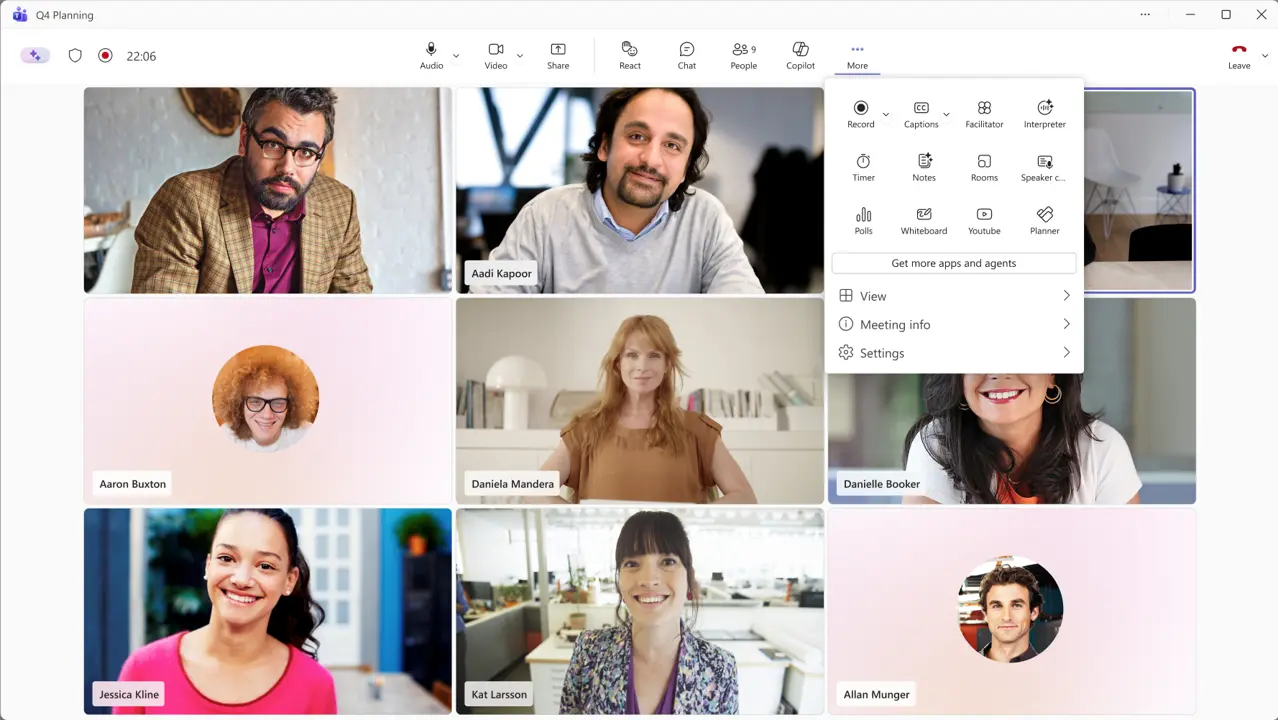
In terms of meeting enhancements, Teams netted AI-powered video recaps, which we covered in detail here. Meeting organizers also have the ability to quickly delete meeting recordings, AI summaries, and transcripts themselves instead of relying on admins to reduce the chances of sensitive data exposure. A new wave of hardware also received Teams certification, including:
- Barco ClickShare Hub Core with Logitech Meetup 2
- Jabra Scheduler
- Neat Pad Pro
- Jabra Speak2 40
- Owl Labs Meeting Owl 5 Pro
As usual, if you want more details around relatively niche stuff like Teams Rooms and frontline worker solutions, you can visit Microsoft’s detailed blog post here.