There are a few things that wireless gaming earbuds need in order to fit the qualification of being specifically for gaming. One of the biggest is low latency. Sure, you can use any wireless earbuds to game with, but hearing games on a delay isn’t fun or ideal for, you know, winning.
Another is comfort. I don’t know about you, but when I play games, I’m usually playing for a while, and I do not want crappy-fitting silicone tips clogging up my ears. Then, there are other nice-to-haves, like sound profiles for different games, features like transparency and active noise cancellation, and maybe some gamer flourishes like RGB.
But just because a pair of wireless gaming earbuds checks all the requisite boxes doesn’t mean they’re beating the competition, and the Razer’s $130 Hammerhead V3 HyperSpeed are proof.
Razer Hammerhead V3 HyperSpeed
The Razer Hammerhead V3 HyperSpeed are decent wireless gaming earbuds but nothing to write home about.
- 2.4GHz dongle works as intended
- Case lets you charge and use the dongle at the same time
- Middling sound and mic quality
- Tinny transparency mode
- ANC is just okay
Low latency with a twist
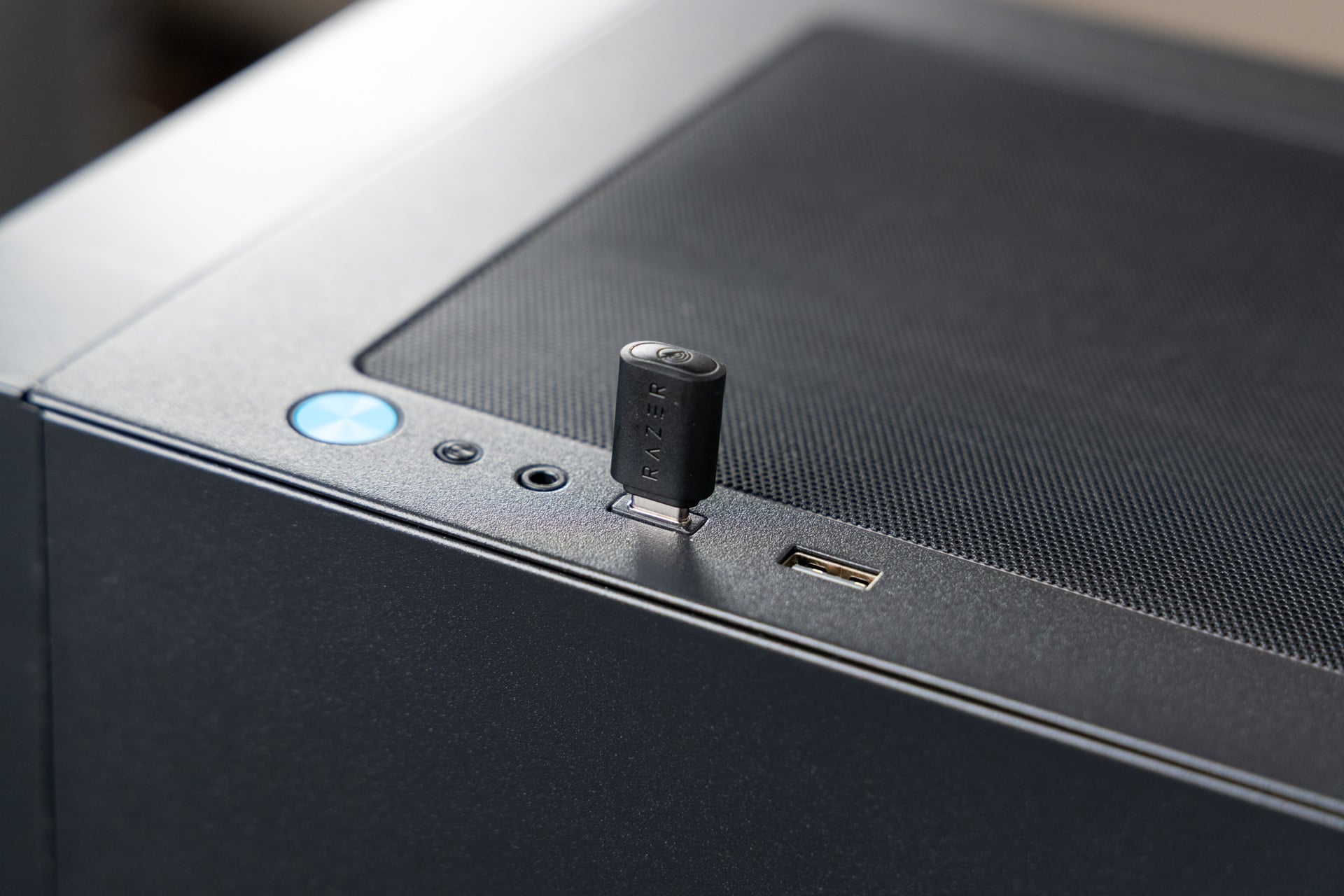
Like similar wireless gaming earbuds, the Hammerhead V3 HyperSpeed come with a USB-C dongle that you can plug into compatible devices and transmit super low-latency audio at 2.4GHz. That’s much faster than most wireless earbuds, which use a standard Bluetooth connection, compressing audio and slowing it down.
Also, like many other wireless gaming earbuds, the Hammerhead V3 HyperSpeed are compatible with lots of devices, but not all—PC, PS5, and the Switch are all supported, for example. Xbox, on the other hand, is not, since Microsoft uses a specific codec for streaming audio. It’s a bummer, but not Razer’s fault in this case.
The good news is, like other low-latency wireless gaming earbuds, including past Razer ones, the dongle in the Hammerhead V3 HyperSpeed does its job. I never felt like audio was lagging, even in fast-paced games like Fortnite. The dongle also worked fine across several devices I tested, including two different laptops, a PC, and the Nintendo Switch. That’s to be expected, but Razer does bring one small but convenient feature to the party.
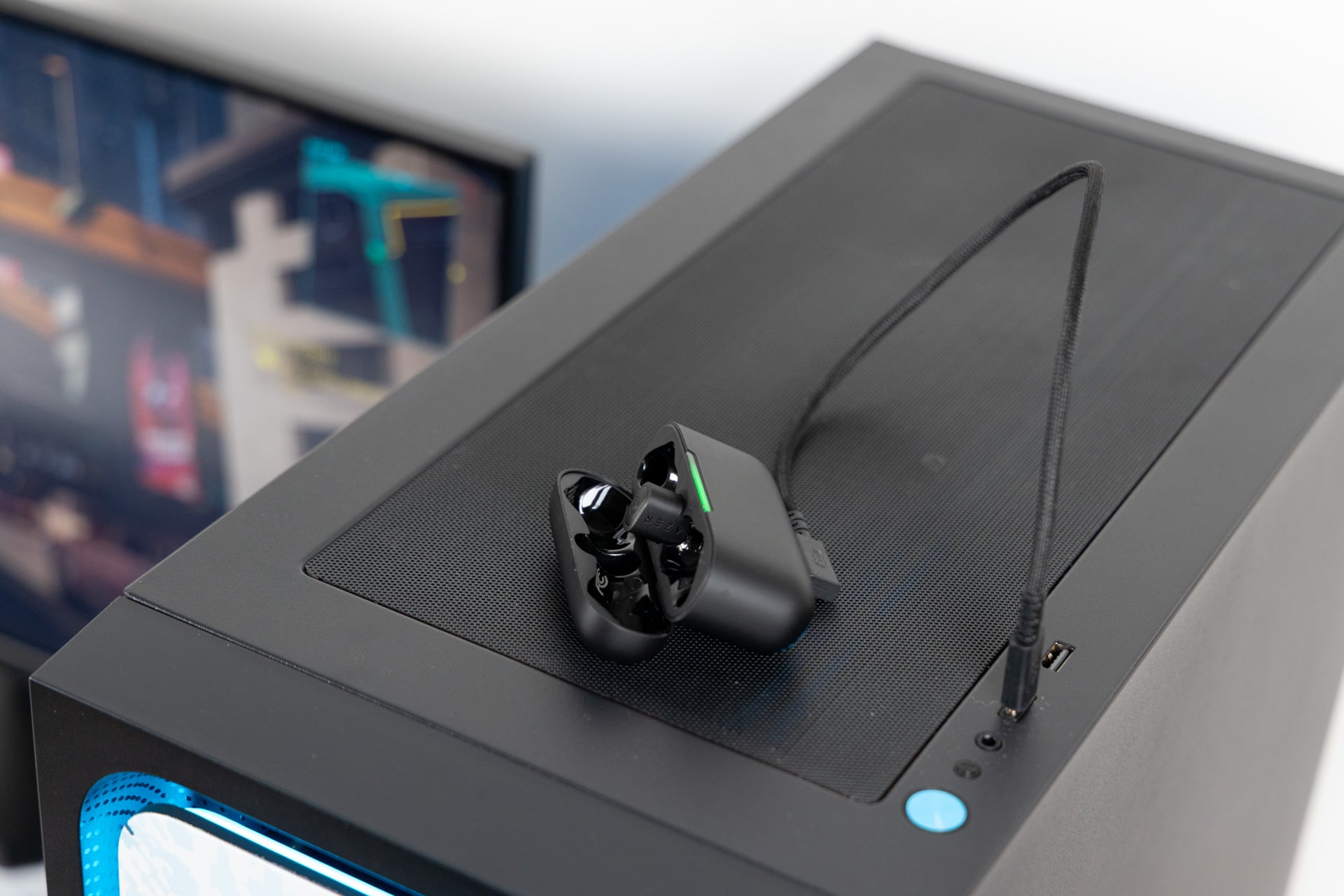
The case also doubles as a passthrough for the 2.4GHz dongle, meaning you can plug the dongle into the case and then your case into the device you want to stream audio to/from and charge the case while using the dongle in the same port. Basically, it’s just a way to free up a USB-C port, but it’s still nice to have. It works just as well as using the USB-C dongle alone.
Another feature you may want to note is active noise cancellation (ANC), which, thanks to a new array of microphones, is supposed to be substantially better than previous generations. While I’m not encyclopedic about past Razer wireless earbuds (I have used the Xbox version of the Hammerhead HyperSpeed for Xbox), I can say from experience testing dozens of other wireless earbuds and wireless headphones that the ANC on the HyperSpeed V3 is… alright. It’s not bad, but it’s not great. I’m still able to hear stuff in my fairly quiet office, for example—coughing and some chatter.
That’s a far cry from ANC in Sony’s gaming peripherals, and an even further one from non-gaming Sony wireless earbuds like the WF-1000XM6. Personally, I don’t find ANC to be the most important thing when it comes to gaming-focused wireless earbuds, but if it’s big on your priority list, you might not be blown away.
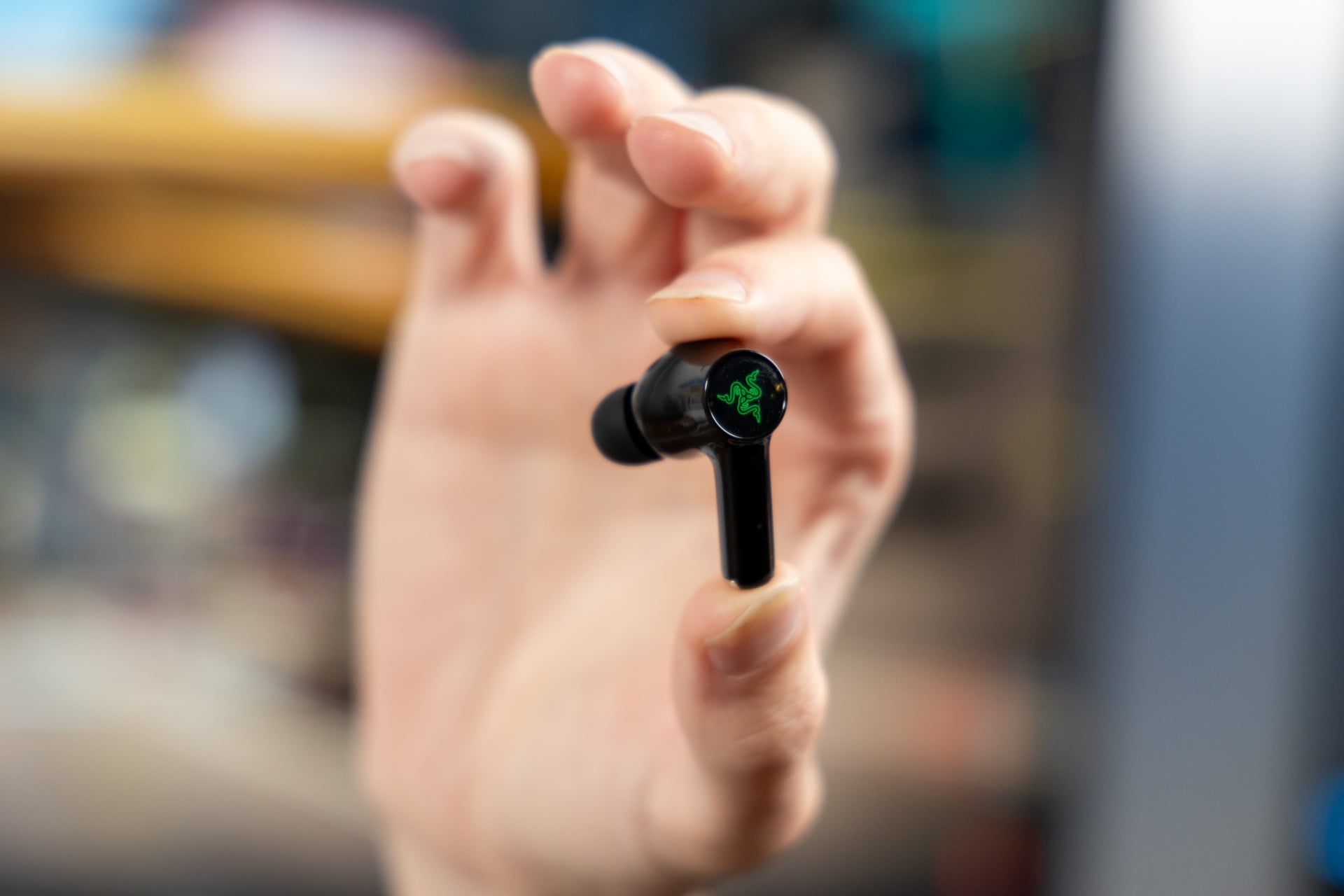
The other noise mode, transparency, is something I do weigh heavily, since it’s designed to make speaking with the buds in your ears feel more natural, and speaking is likely something you’re going to be doing a lot when you’re playing online.
Transparency on the Hammerhead V3 HyperSpeed befalls the fate of a lot of midrange/budget transparency features in wireless earbuds, in that it sounds tinny and fairly artificial. It picks up a lot of ambient noise that I normally wouldn’t hear, to the point where it feels a little distracting. Typing on a laptop keyboard, for example, feels a little too loud and upfront when I have transparency activated, though I am able to hear my own voice better, even if it sounds a little inorganic.
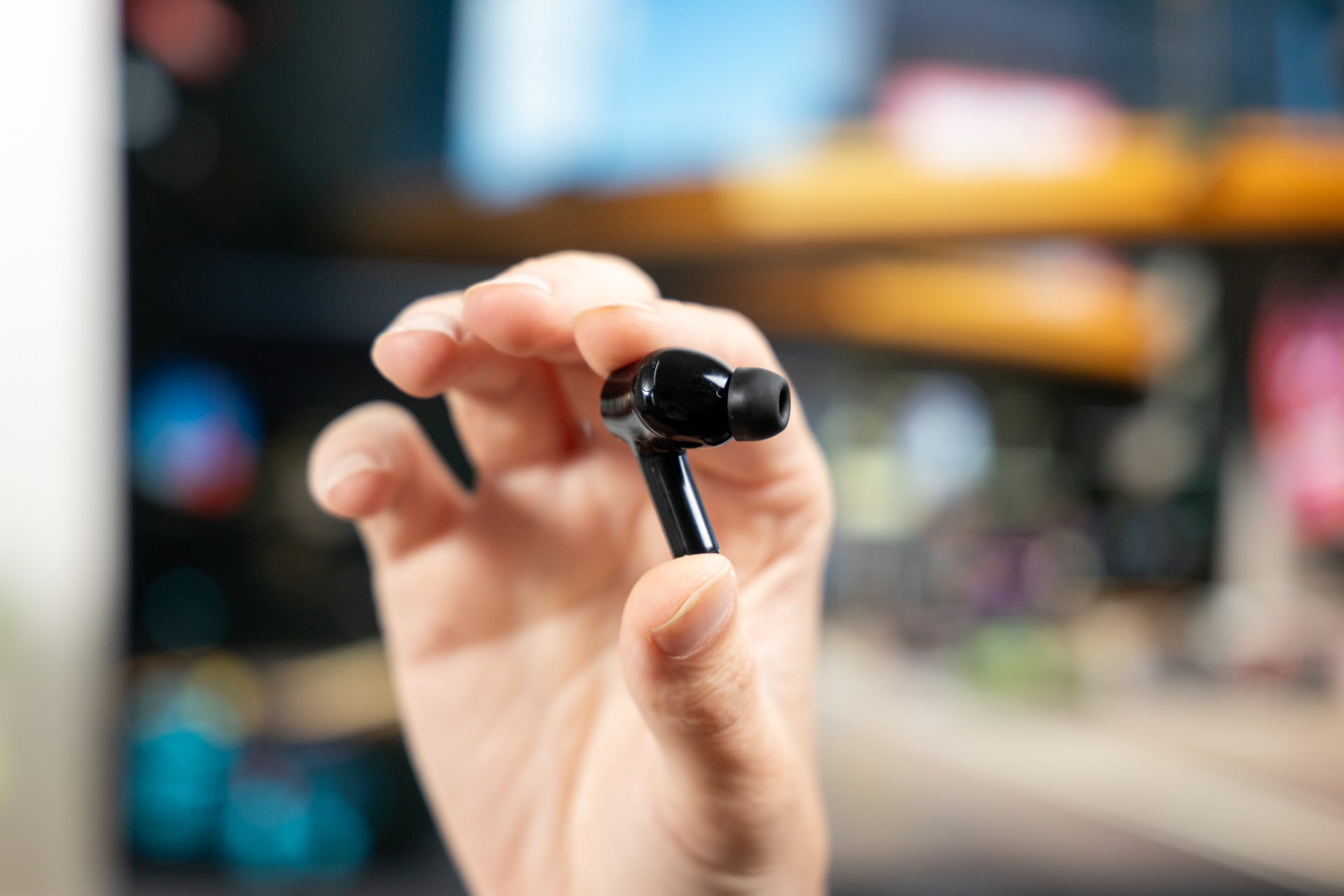
Oh, and be careful about putting your earbuds too close to each other with ambient mode on. I had a recurring glitch where the right and left earbuds started to feed back on each other, making a really bracing squealing noise when I made the mistake of scooping them up with one hand to put them in the case. Not fun.
Transparency is a difficult thing to get right, and many wireless earbuds fail, but I do feel like it’s a bigger miss when gaming is involved, since so much of your time might be spent chatting with others. And when competitors like Asus offer natural experiences with the open-style ROG Cetra gaming earbuds that don’t plug your ears up, it feels more deflating.
On the bright side, the Hammerhead V3 HyperSpeed are comfortable; they fall right into your ears and stay there—or at least they did for mine. I also appreciate the looser fit since having your ears plugged up can create fatigue over longer periods of use. I’d sacrifice a little bit of passive noise cancellation for comfort in a pair of gaming earbuds any day.
Sound game could use some improvement
Like any audio device, gaming or not, you’re probably going to want your wireless earbuds to sound good. On that very obvious metric, the Hammerhead V3 HyperSpeed are decent—they’re not the most nuanced wireless gaming earbuds I’ve put in my ears, but they’re solid. They err on the side of treble-heavy—not a ton of low end to speak of—but you can use custom EQ in the Razer Synapse app on PC to make them a little more bass-heavy if you like, though that will require adjusting audio bands yourself. The only default EQ options that come in the Synapse app are “movie,” “music,” and “game.”
In more fast-paced games like Fortnite, I found that the audio was fine by default; I was able to hear environmental noises and the audio from my teammate clearly. It’s not anywhere near as nuanced as over-ear competitors like the Sony Inzone H6 Air that I recently tested, and still a little less compelling than the Asus ROG Cetra, but it’s not bad. In more varied games like Cyberpunk 2077, I found the Hammerhead V3 HyperSpeed fared better. There was a greater sense of space, and they sounded just a little bit more immersive.

Speaking of “space,” while I was excited to try THX Spatial Audio, I couldn’t seem to get it activated in the Razer Synapse app, even after troubleshooting and reinstalling on my PC. Instead of being able to toggle the feature on, Synapse insisted that I “download THX spatial audio,” though that didn’t seem to activate it either. I’ve reached out to Razer to troubleshoot the issue and will update this review if I hear back.
Weirdly, I do think the Hammerhead V3 HyperSpeed work decently for music playback. I listened to a range of genres, including rock songs like Wilco’s “I’m Always In Love” and more instrumental tracks like Squarepusher’s “Every Day I Love,” and was impressed with the balance across different tunes. I doubt most people will be using these wireless earbuds as their daily driver for music, but it’s nice to know that, if you wanted to, you could get away with it.
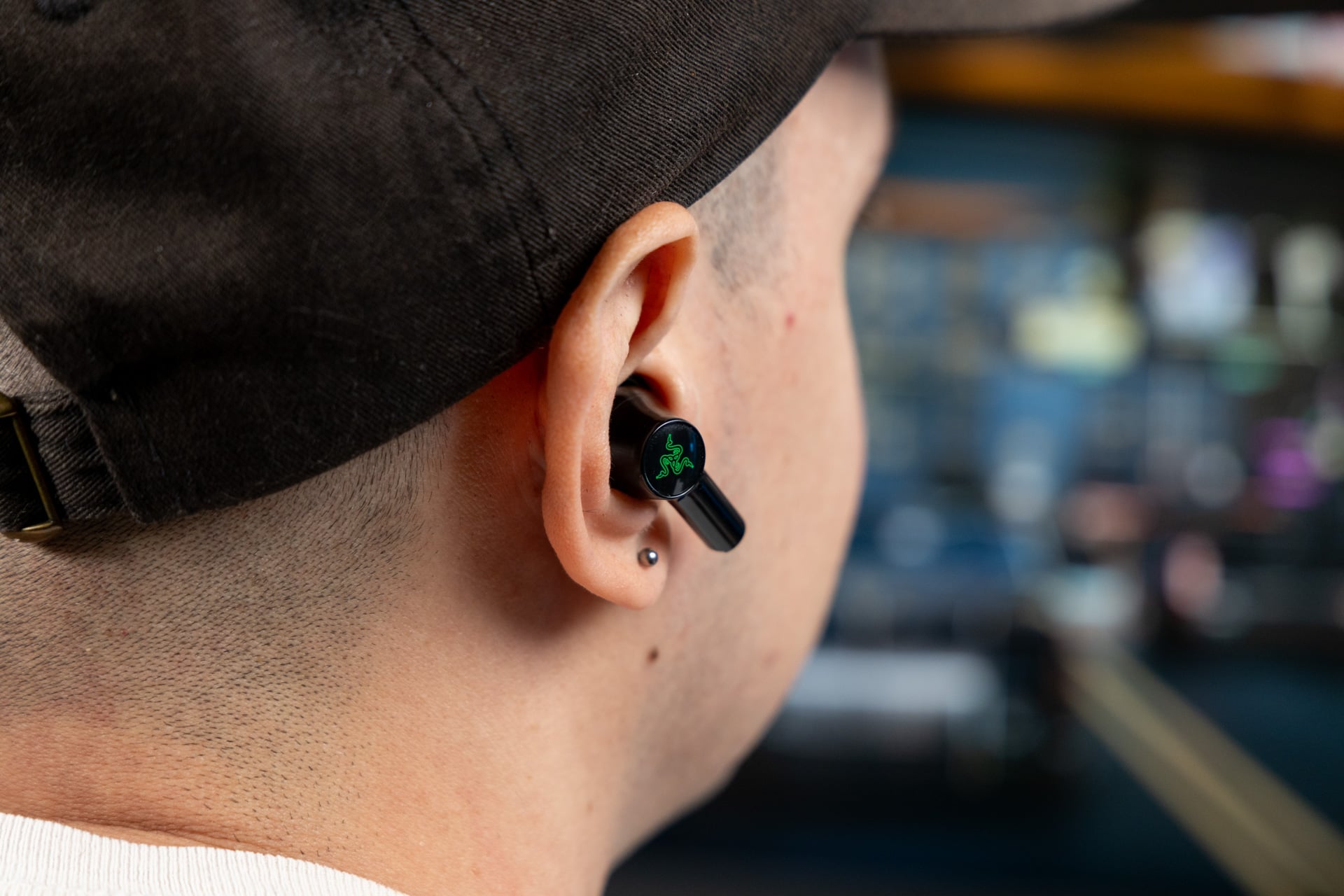
On the mic quality front, the Hammerhead V3 HyperSpeed are also solid, though not exceptional. My teammate in Fortnite described the audio quality as being decent, though by default, I sounded distant. If you’re just plugging these into your laptop or PC, just know that you may need to pull open the Razer Synapse app and bump up the mic gain in the settings.
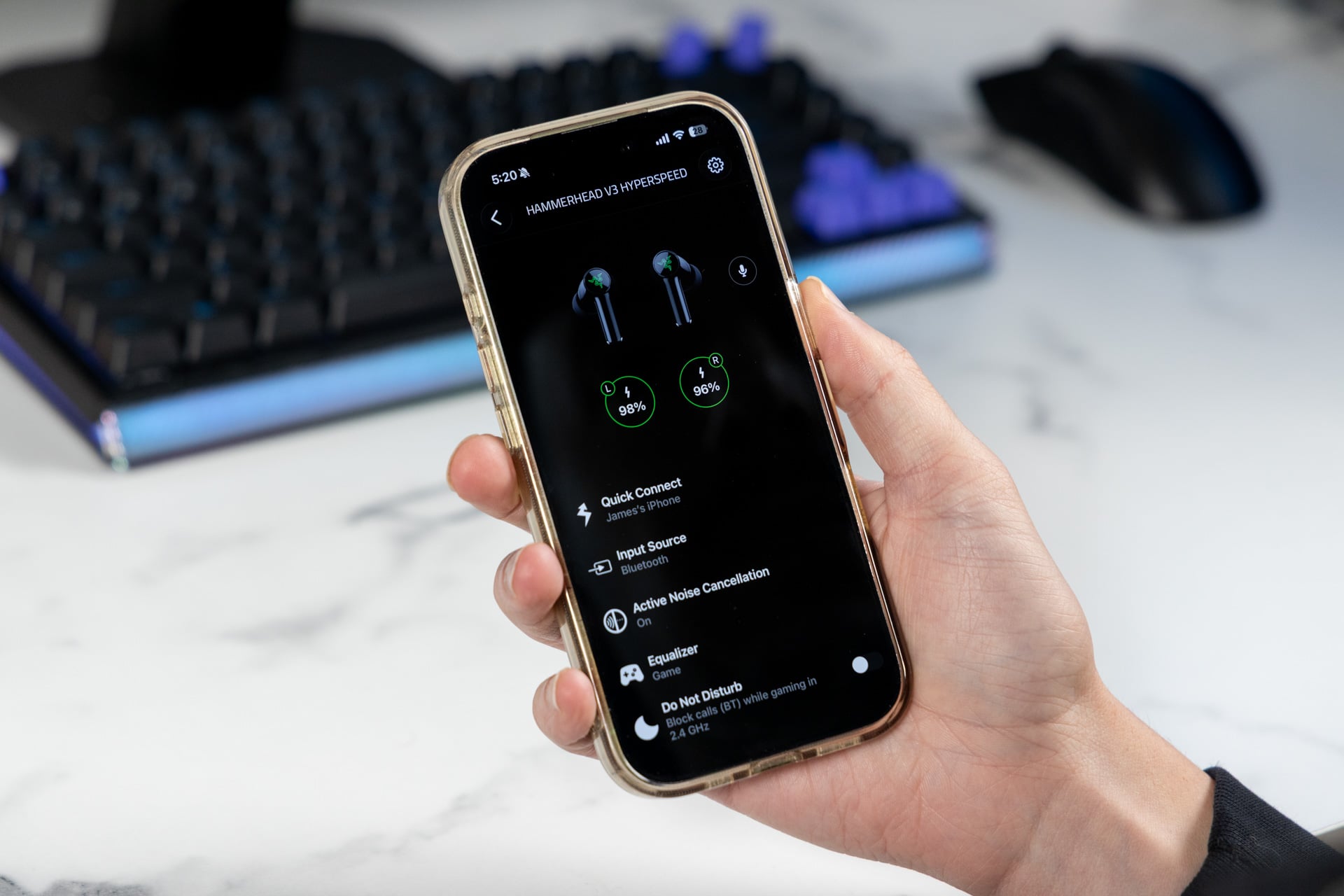
There are some other “just okay” categories, too. The battery life is just alright. In my testing, the Hammerhead V3 HyperSpeed dropped from 100% to 92% while playing music via Bluetooth at 60% volume, which tracks with Razer’s estimates of up to 6 hours with ANC and the microphone on.
Similarly, touch controls are fine but not totally without frustration. They work most of the time, allowing you to tap to switch between Bluetooth and low-latency as well as noise modes, but sometimes they miss an input, requiring you to throw some extra taps in there to get your desired result.
Surprisingly, these wireless don’t have any RGB on them, though there is an RGB element on the charging case. How very not Razer of them.
Time to kick it into HyperSpeed?
There are quite a few wireless gaming earbuds out there in the world at this point, so Razer’s Hammerhead V3 HyperSpeed aren’t short on competition. While that’s bad for Razer, it’s good for people buying gaming buds. Sure, they will get the job done—they have decent audio and mic quality and ANC, and the dongle works as intended—but there are other options out there that will likely impress more.
If you’re okay with sacrificing ANC, Asus ROG’s $230 Cetra Open Wireless Gaming Earbuds, though $100 more expensive, have better sound and mic quality and are very comfortable to wear over long periods. There’s also the $200 SteelSeries’ Arctis Gamebuds, which, though they’re a couple of years old now, still have solid sound quality and surprisingly good ANC, plus a low-latency dongle that integrates into the case just like Razer’s Hammerhead V3 HyperSpeed.
In this case, I do think you get what you’re paying for, which means less expensive wireless earbuds with the compromises you’d expect.