Getting locked out of a Samsung phone after a factory reset is one of the most frustrating Android problems today. Many users reset their devices expecting a fresh start, only to run into the Google verification screen during setup.
The issue has become even more common on Samsung devices running Android 16 and One UI 8. Older FRP bypass tricks that once worked smoothly are now blocked by newer security patches, leaving many users stuck searching for solutions that actually work in 2026.
In this guide, we’ll explain why Samsung FRP has become harder to bypass, why many YouTube tutorials fail, and how tools like DroidKit are helping users regain access to their devices more reliably.
FRP stands for Factory Reset Protection, a built-in Android security feature designed to prevent unauthorized access after a device reset.
Once FRP is triggered, Samsung requires the Google account previously linked to the device before setup can continue. This becomes a major problem for users who:
- forgot their Google credentials,
- purchased a second-hand device,
- or lost access to the recovery email or phone number tied to the account.
Samsung has strengthened FRP protection significantly on Android 16, especially on newer Galaxy S and A series devices.
Why Most FRP Bypass Tutorials No Longer Work
A lot of users begin by searching YouTube for “Samsung FRP bypass no PC” videos. The problem is that most of these methods rely on temporary loopholes that Samsung quickly patches.
Older methods often depended on:
- browser-access tricks,
- APK installations,
- TalkBack exploits,
- or hidden setup wizard shortcuts.
On Android 16, Samsung now combines multiple security layers, including Samsung Knox, Google Play Services verification, and stricter Setup Wizard protection. As a result, many “2-minute FRP bypass” videos are outdated almost immediately after a new security update is released.
This is why users frequently report:
- setup loops,
- failed APK installs,
- unsupported browser access,
- or methods suddenly stopping midway.
A More Stable Solution for FRP Bypass on Android 16 Samsung Phones
Because of these constant patches, many users are moving away from random APK tricks and switching to dedicated desktop-based FRP tools.One of the more beginner-friendly options available today is DroidKit by iMobie.
Instead of forcing users to manually test unstable loopholes, DroidKit provides a guided FRP removal process specifically designed for modern Android devices, including Samsung phones running newer security patches.
What makes DroidKit appealing for beginners is that the software simplifies the entire process into a structured workflow rather than requiring technical commands or complicated firmware operations.
The setup process is relatively straightforward, even for users without technical experience.
Step 1: Download DroidKit
Visit the official DroidKit website and install the software on your Windows PC or Mac. After installation, launch the program.
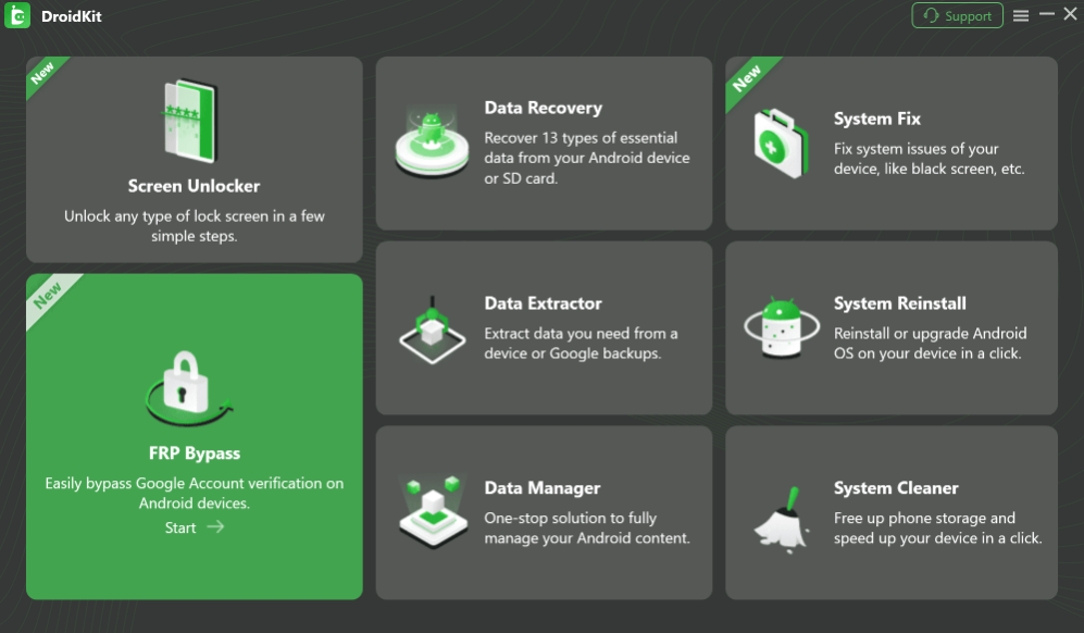
Step 2: Select FRP Bypass
From the main interface, choose the FRP Bypass feature. This mode is specifically designed to help remove Google account verification from supported Android devices.
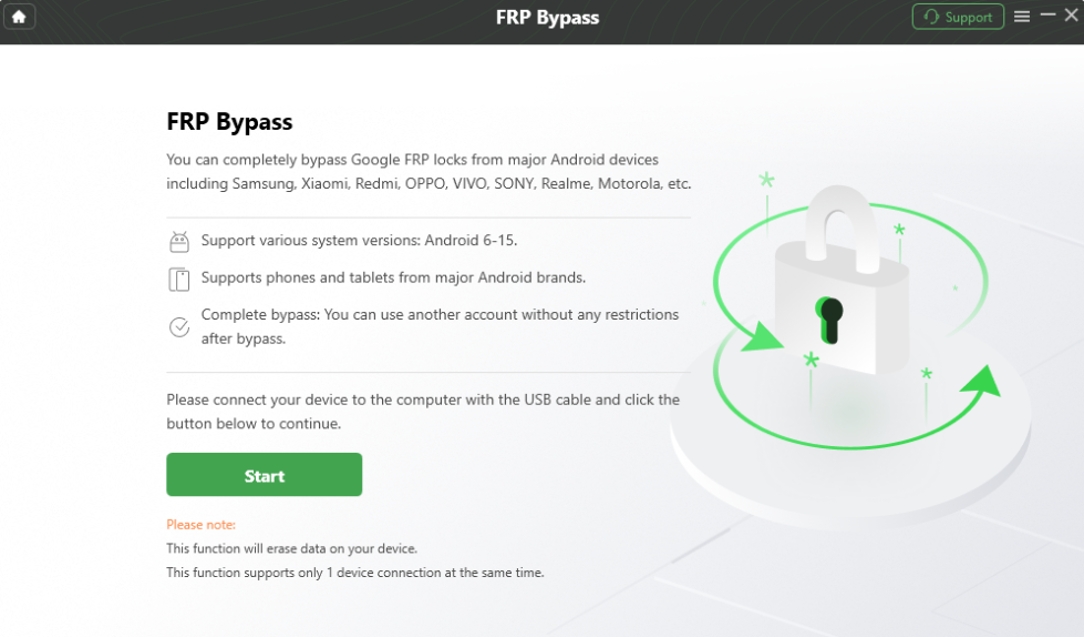
Step 3: Connect Your Samsung Phone
Use a USB cable to connect your Samsung device to the computer.
Once the device is detected, DroidKit prepares the correct process based on your Android version and Samsung model. This is especially important on Android 16, where different patch versions may behave differently.
Step 4: Follow the On-Screen Instructions
DroidKit guides users through the required preparation steps, including entering the proper system mode and configuring the device correctly for FRP removal. Unlike many online tutorials, the instructions are presented step-by-step, which reduces confusion for first-time users.

Step 5: Complete the FRP Removal
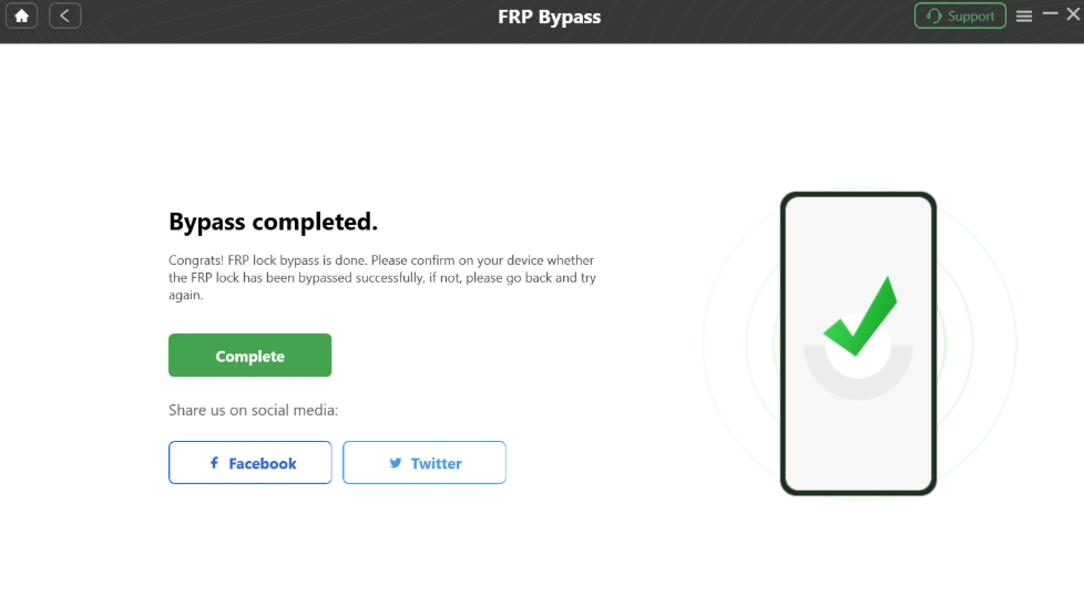
Once everything is prepared, DroidKit begins removing the FRP lock. After the process finishes, the device can be set up again normally without getting stuck on the Google verification screen.
Why Desktop-Based FRP Tools Are Becoming More Popular
Many users eventually realize that the biggest problem with traditional FRP tricks is stability.
Free APK methods often fail because they depend on temporary loopholes inside Samsung’s setup process. As soon as Samsung patches those loopholes, the entire method stops working.
Desktop-based tools such as DroidKit FRP Bypass are becoming increasingly popular because they offer a more controlled and structured solution. Rather than relying entirely on unstable exploits, they are designed to work more reliably with modern Android security systems.
Furthermore, whilst you are using DroidKit, its online technical team maintains and updates the latest Android 16 security patch library in real time.
This becomes especially important for devices running:
- Android 16
- One UI 8
- and recent Samsung security patches.
Common Mistakes That Cause FRP Bypass Failure
One major reason users fail to bypass FRP is following outdated tutorials without checking the device’s Android version or security patch level.
Another common issue is downloading random FRP APK files from untrusted websites. Many of these files are outdated, unreliable, or potentially unsafe.
Users also often disconnect the device too early during the process or accidentally follow instructions meant for a different Samsung model.
Because Samsung security changes rapidly, using a structured and actively maintained solution generally leads to a much smoother experience.
Final Thoughts
Samsung FRP protection on Android 16 is far more aggressive than it was on older Android versions. Many bypass tricks that worked in the past are no longer reliable on newer Galaxy devices.
For users who want a more beginner-friendly and practical solution, tools like DroidKit offer a much simpler alternative to testing endless YouTube methods that may already be patched.
Instead of wasting hours experimenting with unstable APK exploits, users can follow a guided process specifically designed for modern Samsung devices.
Unlock Your Samsung Device with DroidKit
If you’re still stuck on the Google verification screen after resetting your Samsung phone, it may be time to stop relying on outdated bypass tricks.
DroidKit FRP Bypass Tool is designed to help users remove FRP locks on supported Samsung devices with a simpler, more structured process.
Whether you forgot your Google account credentials or purchased a second-hand Galaxy device, DroidKit can help you regain access faster and with less frustration. Download DroidKit today and take back control of your Samsung device.
About the author
Joy Taylor is a seasoned technical writer with over a decade of experience in mobile technology. At iMobie, she specializes in producing in-depth content on iOS data recovery, iPhone unlocking solutions, and iOS troubleshooting. Her writing combines deep technical knowledge with a clear, user-friendly style to help users solve iPhone/iPad issues with confidence.